


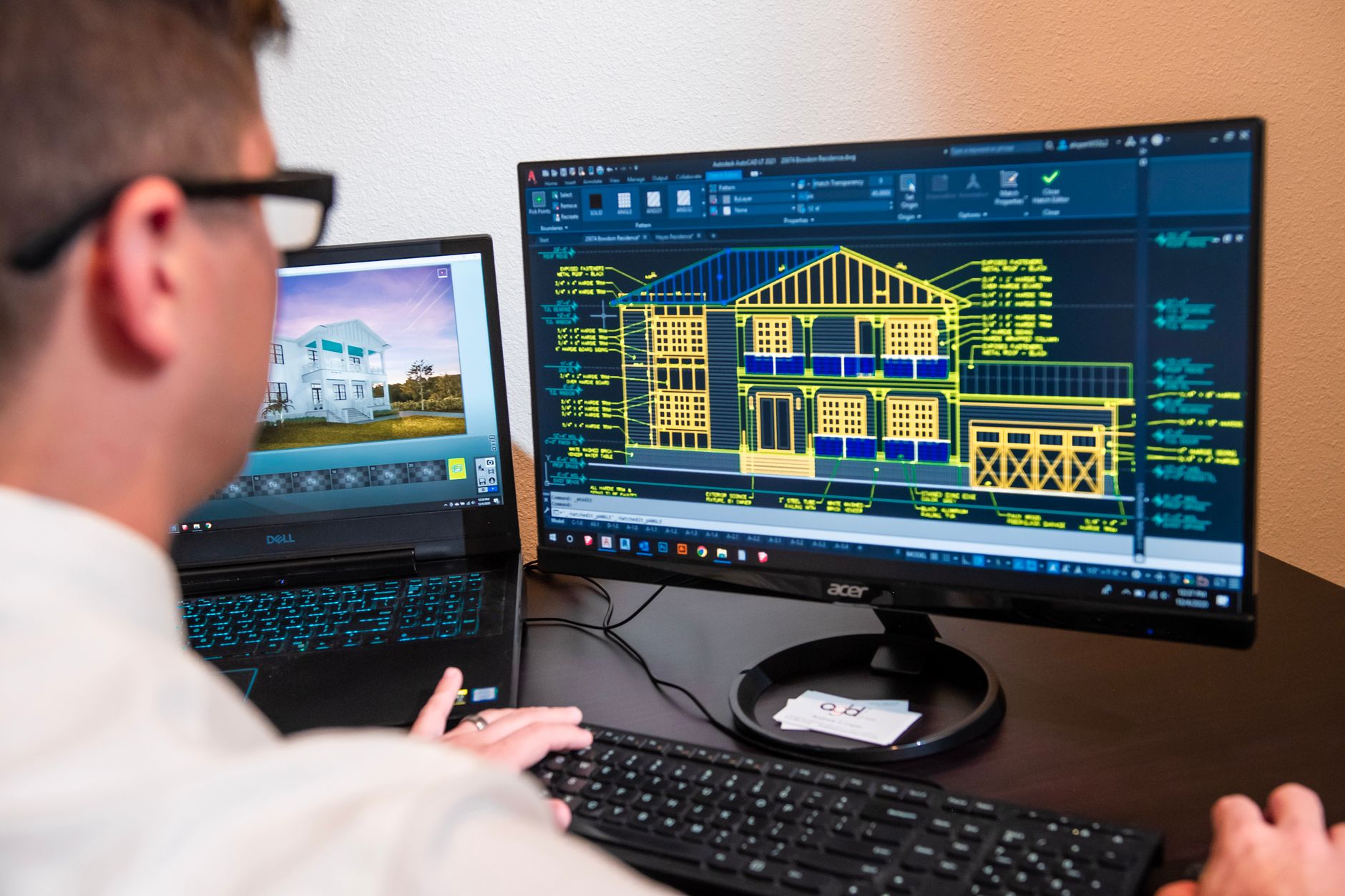
 Photo by Grove Brands via Pexels
Free CAD software lets you draw, model and document parts or technical drawings without investing in a commercial license. Independent design offices, craftspeople, engineering students and makers find a credible alternative to paid suites like AutoCAD or SolidWorks, provided they accept certain trade-offs on support and the most advanced functions.
This comparison details the expected features, presents the most widely used free solutions and explains how to choose the tool suited to your use case, between 2D drafting, 3D modeling and 3D printing.
What is free CAD software?
Computer-aided design (CAD) refers to the computing tools used to draw, model and document mechanical parts, building plans or objects intended for manufacturing. Free CAD software offers these functions at no licensing cost, unlike historic professional suites whose annual subscriptions often exceed several thousand euros per seat.
Two families coexist under this label. On one side, open source software such as FreeCAD or OpenSCAD, developed by a community and distributed under a free license, whose source code remains open and modifiable. On the other, free editions of commercial software, such as nanoCAD, which limit certain advanced functions to encourage the purchase of a full paid version.
This distinction matters when choosing: an open source tool evolves according to its community’s contributions, at a sometimes irregular update pace, while a free edition of a commercial software benefits from more structured development, but remains dependent on the business choices of the company that publishes it.
The essential features of good free CAD software
Before comparing the tools, it helps to know what one is entitled to expect from serious free CAD software. Three groups of functions structure the evaluation.
2D drafting covers plans, diagrams and technical layouts, with management of dimensions, scales and representation standards. 3D modeling allows building parametric or free-form volumes, for simulations, renderings or later manufacturing. Finally, file interoperability determines the ability to exchange projects with other software, through formats like DWG, DXF, STEP or STL.
- Interface that is clear and customizable, with a reasonable learning curve for occasional use.
- Parametric modeling that lets you modify a part by changing its dimensions rather than redrawing it entirely.
- Multi-format export compatible with 3D printers (STL) and professional software (STEP, DWG).
- Active documentation and community, essential in the absence of paid vendor support.
These criteria help distinguish a genuinely complete tool from a simple file viewer dressed up as CAD software.
Comparison of the best free CAD software in 2026
The table below summarizes the characteristics of the most widely used free solutions, across 2D drafting, 3D modeling and specific uses like 3D printing.
| Software | Type | Platforms | File formats | Skill level required |
|---|---|---|---|---|
| FreeCAD | Parametric 3D modeling | Windows, Mac, Linux | FCStd, STEP, STL, DXF | Intermediate |
| nanoCAD | Lightweight 2D and 3D drafting | Windows | DWG, DXF | Beginner to intermediate |
| OpenSCAD | Programmatic 3D modeling | Windows, Mac, Linux | STL, CSG | Intermediate to advanced |
| LibreCAD | 2D technical drafting | Windows, Mac, Linux | DXF | Beginner |
| Blender | General-purpose 3D modeling | Windows, Mac, Linux | OBJ, STL, FBX | Intermediate |
FreeCAD covers the widest range of professional uses thanks to its complete parametric modeling, while nanoCAD remains the solution closest to an AutoCAD user’s habits thanks to its familiar interface and native DWG import. OpenSCAD, for its part, targets a more technical audience, used to describing volumes through code rather than by drawing with a mouse.
FreeCAD, OpenSCAD, nanoCAD: a closer look at the open source references
Three open source software packages concentrate most professional and serious hobbyist uses outside the commercial suites.
FreeCAD, the general-purpose reference
FreeCAD is a complete parametric 3D modeling software, structured into workbenches (Part Design, Sketcher, Assembly, FEM) that cover mechanical part design, assemblies and a first approach to finite element simulation. Its interface, although less polished than that of commercial suites, has clearly simplified with the latest versions, and its active community makes learning easier through tutorials and forums.
OpenSCAD, modeling through code
OpenSCAD takes a different approach: volumes are not drawn with a mouse but described in a dedicated scripting language, by combining simple geometric shapes through boolean operations. This logic particularly appeals to makers and 3D printer users who want parametric, reproducible parts, at the cost of a steeper learning curve for a non-technical audience.
nanoCAD, the AutoCAD alternative
nanoCAD directly targets users accustomed to AutoCAD, with an interface and keyboard shortcuts deliberately similar. Its free version covers 2D drafting and basic 3D modeling, with native DWG import and export that eases collaboration with design offices equipped with paid Autodesk software, a rare advantage among free alternatives.
How to choose free CAD software based on your use case
The choice of the right tool depends above all on the type of project targeted and the user’s technical skill level, more than on a universal ranking between software packages.
For a use mainly oriented toward 2D drafting (building plans, technical diagrams, mechanical layouts), nanoCAD or LibreCAD are largely sufficient and avoid the complexity of a full 3D modeling tool. For 3D modeling intended for manufacturing or 3D printing, FreeCAD remains the most versatile choice, while OpenSCAD is better suited to highly parametric parts such as brackets or enclosures.
Operating system compatibility is also worth checking beforehand: most open source solutions run on Windows, Mac and Linux, but nanoCAD remains limited to Windows in its free version. Finally, a beginner will favor software with a simple interface and abundant documentation, potentially migrating later to a more complete tool once the basics are acquired.
The limits of free CAD software and when to move to a paid solution
Free CAD software covers most of the needs of an independent design office, a craftsperson or a student, but certain structural limits appear on more complex projects.
The lack of guaranteed vendor support becomes a problem as soon as a critical project depends on a fast bug fix or dedicated technical assistance. Advanced industry modules (deep structural simulation, complex tolerance calculations, large-scale bill-of-materials management) also often remain reserved for commercial suites. Finally, interoperability with PLM chains already deployed within a company generally favors software already part of that ecosystem, to avoid data loss during format conversions.
Moving to a paid solution becomes relevant when the volume of projects justifies the investment, when collaboration with partners equipped with commercial software becomes frequent, or when advanced simulation functions determine the technical validation of a part before manufacturing. In the meantime, CMMS software or document management software usefully complement a design workstation by ensuring maintenance tracking and drawing revision control.
Technical teams already relying on industrial measurement instruments to validate their parts benefit from documenting their projects in a shared project management software, to keep clear traceability between design files and manufacturing milestones. Organizations further along in an open source approach may also want to align this choice of design tools with an open source ITSM software to standardize their internal licensing policy.
Frequently asked questions
What is the best free CAD software?
There is no single best free CAD software overall: FreeCAD stands out for general-purpose parametric 3D modeling, nanoCAD for 2D drafting close to AutoCAD, and OpenSCAD for programmatic modeling geared toward 3D printing. The right choice mostly depends on the type of project and the user’s technical skill level.
What is the best free industrial drafting software?
For classic 2D industrial drafting (plans, diagrams, technical layouts), nanoCAD remains the free tool closest to AutoCAD standards, with native DWG import and export. LibreCAD is a lighter alternative for simple technical drawing needs, without advanced 3D modeling functions.
What free 3D software should a beginner choose?
FreeCAD is the most recommended entry point for a beginner in parametric 3D modeling, thanks to an active community and abundant documentation. Blender, although more oriented toward animation and rendering, also allows a gradual approach to 3D modeling for less technical needs.
Is there a free CAD software compatible with AutoCAD files?
nanoCAD offers the most direct compatibility with AutoCAD’s DWG files, making it the preferred choice for collaborating with teams equipped with Autodesk tools. FreeCAD can also import and export DWG and DXF formats through add-on modules, with a fidelity level that varies depending on the complexity of the original file.
Is free CAD software enough for professional use?
Free CAD software suits many professional uses, particularly in small design offices, for freelancers or for one-off prototyping. It shows its limits, however, on projects that require guaranteed vendor support, specialized industry modules or deep interoperability with existing PLM chains, where a paid solution then becomes more relevant.